Short Answer
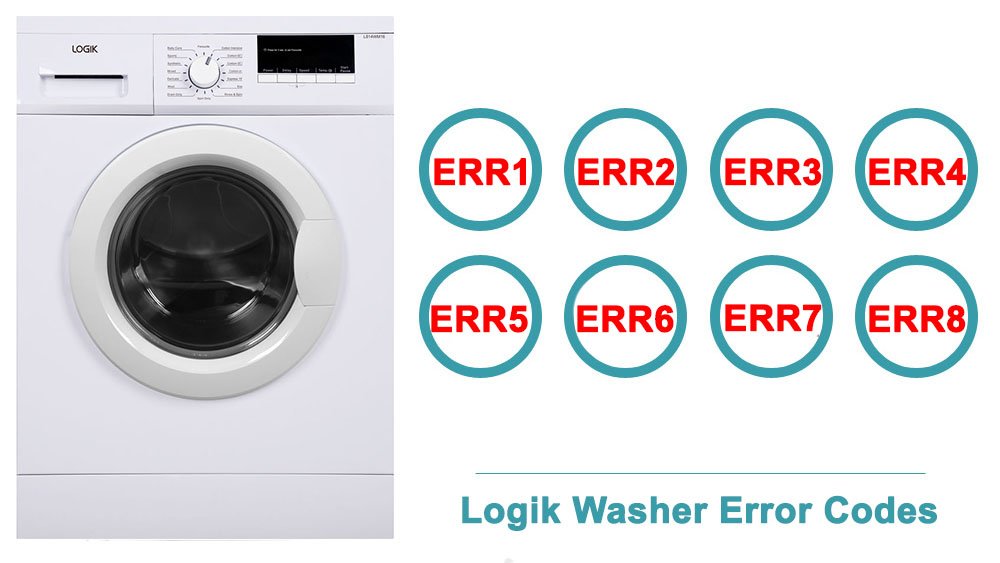
Dealing with errors on your washing machine can be a frustrating experience, particularly when that error manifests as the E30 error code on a Logik washing machine. This specific code can indicate a range of issues relating to door locking mechanisms and potential drainage problems. In this comprehensive guide, we will delve into the causes of the Logik Washing Machine E30 error code, explore appropriate fixes, and outline a straightforward reset guide.
Understanding the E30 Error Code
The E30 error code typically signifies an issue with the door lock on your Logik washing machine. When you initiate a wash cycle, the appliance is designed to automatically lock its door to prevent any accidental openings that might lead to water spillage or harm to the user. If the machine detects that the door is not locking appropriately, or if it fails to communicate that the door is securely closed, it will trigger the E30 error code. This safeguard feature is integral to maintaining safety and ensuring optimal washing performance.
Causes of the E30 Error Code
Several factors can contribute to the E30 error code, and understanding these can help you troubleshoot the issue effectively:
- Faulty Door Lock Mechanism: The most common reason for the E30 error is a malfunction within the door lock assembly itself. Over time, wear and tear can hinder the mechanism’s ability to engage or disengage.
- Wiring Issues: Damaged or frayed wiring can disrupt the signals sent between the door lock and the washing machine’s control panel, leading to an erroneous reading and the subsequent triggering of the E30 code.
- Foreign Objects: Sometimes, foreign objects, such as small clothing items, coins, or debris, can obstruct the door locking mechanism, preventing it from operating properly.
- Water Drainage Problems: In certain cases, the E30 error may also be symptomatic of drainage issues. If the machine cannot drain water adequately, it may interpret this as an open door scenario.
Fixes for the E30 Error Code
Once you’ve identified potential causes, it’s time to explore the best approaches to rectify the problem. The following remedies should guide you through resolving the E30 error code:
- Inspect the Door Lock Mechanism: Start by examining the door lock for visible signs of damage. If the lock appears broken, replacing it may be necessary. Search for a compatible part either online or at your local appliance parts store.
- Check for Blockages: Open the washing machine door and inspect the latch area. Remove any items that may be lodged within the mechanism, causing it to malfunction.
- Examine the Wiring: Unplug your washing machine from the power source before inspecting the wiring connected to the door lock. Make sure there are no loose connections or damaged wires; if you find any, repair or replace them as needed.
- Cleansing the Drainage System: Ensure that the drainage system is functioning properly. Check hoses for kinks or blockages, and clear any obstructions that may hinder water flow. Cleaning filters may also help in resolving drainage-related issues.
Resetting Your Logik Washing Machine
After attempting the aforementioned fixes, a reset may be necessary to clear the E30 error code from your machine’s display. Here’s a simple reset guide:
- Turn Off the Machine: Begin by switching off your washing machine using the power button. Allow it to sit unplugged for about five minutes.
- Reconnect Power: Plug the machine back into the power source. Ensure that it is securely connected.
- Reinstate Settings: Turn the unit back on and select a short wash cycle to test whether the E30 error persists. The control panel should ideally reset alongside the error code.
Prevention Tips
Once you’ve successfully dealt with the E30 error, adopting preventive measures can mitigate future occurrences. Consider implementing the following:
- Regular Maintenance: Perform routine maintenance checks on the door lock mechanism and drainage system to ensure they are functioning optimally.
- Avoid Overloading: Excessive loading can lead to premature wear of components. Always adhere to the manufacturer’s guidelines for load capacities.
- Keep the Area Clean: Regularly inspect and clean the door seal and surrounding area to prevent foreign objects from lodging in the locking mechanism.
Conclusion
Encountering the E30 error code in your Logik washing machine can be disconcerting, but understanding its causes and employing effective fixes can often lead to a swift resolution. By recognizing the importance of regular maintenance and promptly addressing issues as they arise, you can ensure your washing machine operates smoothly for years to come. Armed with the knowledge from this guide, you are better equipped to tackle and manage the challenges presented by your appliance, allowing for stress-free laundry days ahead.
FAQ
What does the E30 error code mean on a Logik washing machine?
The E30 error code typically indicates an issue with the door locking mechanism or potential drainage problems.
How can I fix the E30 error code?
You can fix the E30 error code by inspecting the door lock mechanism, checking for blockages, examining the wiring, and cleansing the drainage system.
How do I reset my Logik washing machine after encountering an E30 error?
To reset your Logik washing machine, turn it off, unplug it for five minutes, then plug it back in and restart the machine.
Leave a Reply